> ## Documentation Index
> Fetch the complete documentation index at: https://docs.simcel.io/llms.txt
> Use this file to discover all available pages before exploring further.
# DRP Physical Network
> Define and manage distributor-product-customer links to reflect your actual and future distribution network.
## Overview
The DRP (Distribution Requirements Planning) Physical Network is a key component of SIMCEL. It lets you define and manage the relationships between distributors, products, and customers. This feature ensures that your distribution network is accurately represented based on both historical data and future expectations.
The DRP Physical Network defines which distributor supplies which product to which customer, giving you precise control of your distribution network. It is initially populated with historical data, but you can adjust it to better reflect future requirements.
## Key functions
### Automatic generation based on historical data
* The DRP Physical Network is automatically generated using historical sales data.
* This initial setup provides a baseline representation of your distribution network, reflecting past performance and relationships.
### Review and adjustment
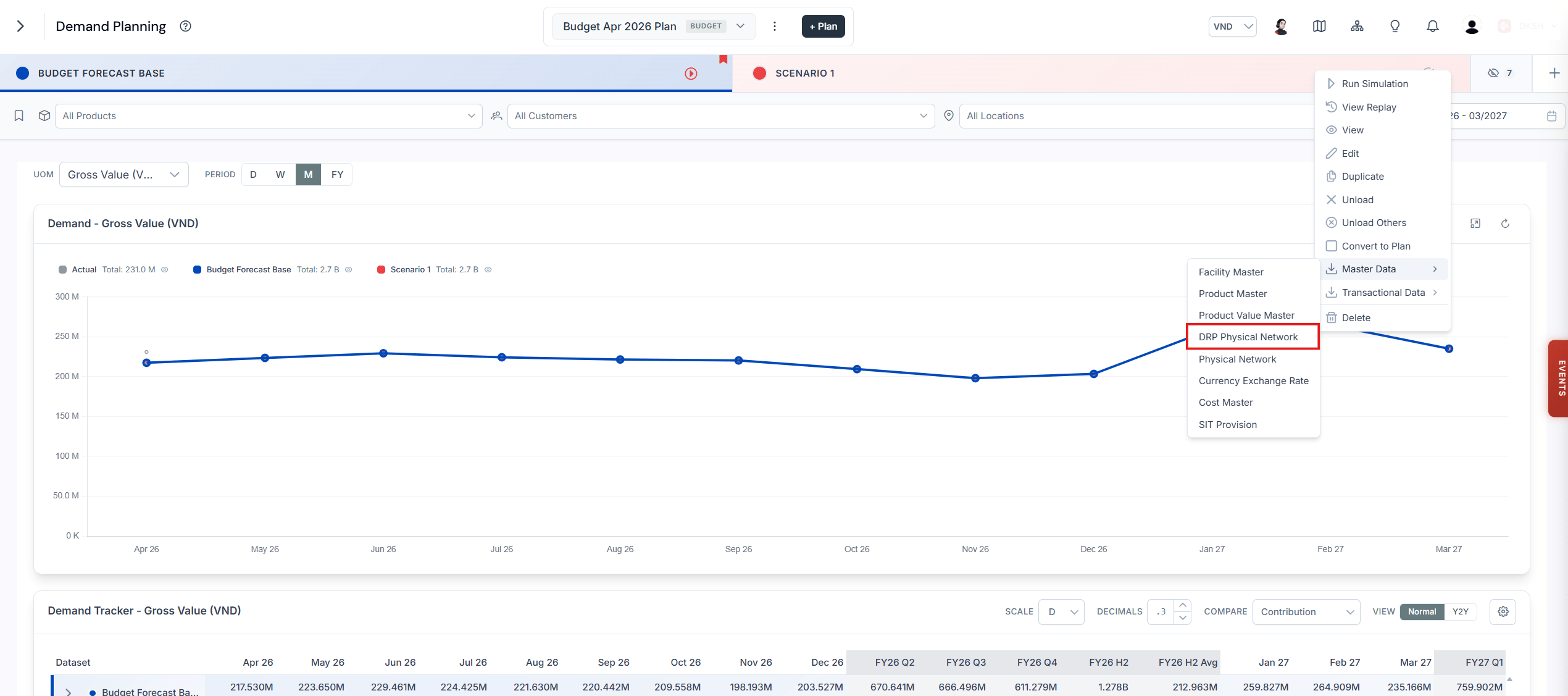
Because historical data does not always accurately predict future needs, you can download, review, adjust, and re-upload the DRP Physical Network.
### Percentage allocation
If multiple distributors supply the same product to a customer, you can set percentage allocations to define how the supply is divided between the distributors.
### Handling missing connections
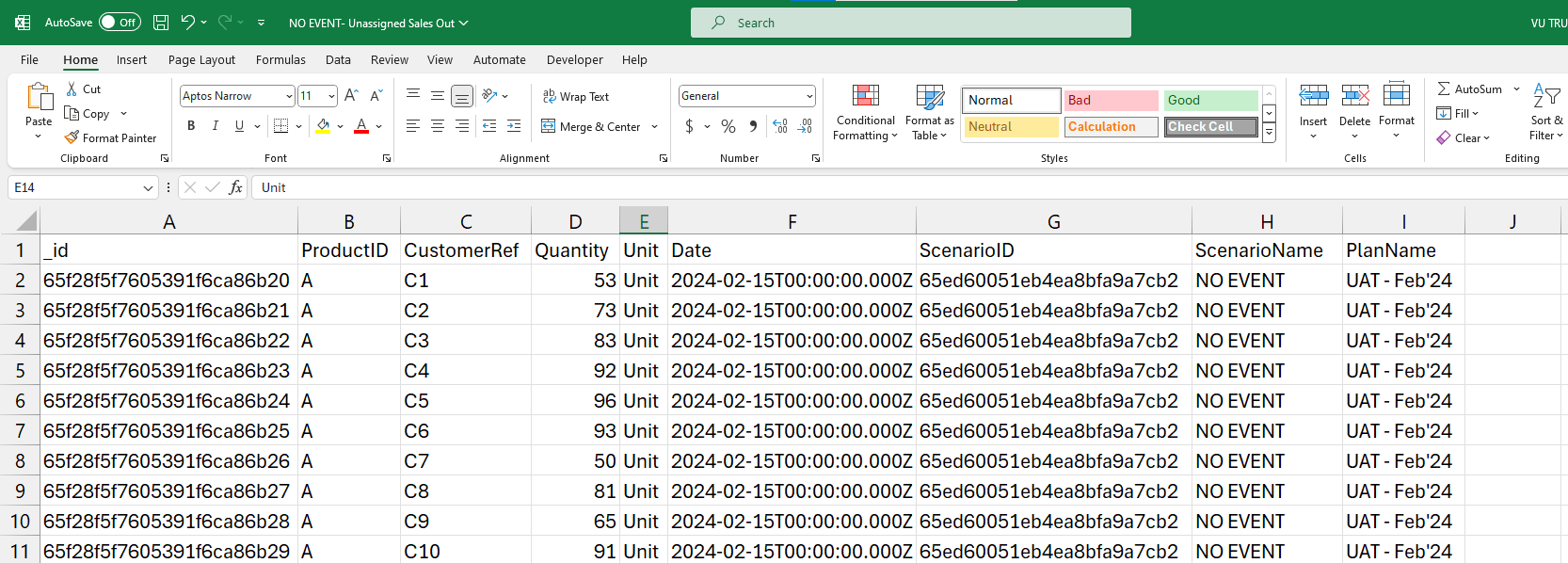
* When the DRP Physical Network is missing connections, a dataset called **Unassigned Sales Out** is generated.
* This dataset lists sales that could not be allocated to the distributors, giving you visibility into gaps in the distribution network that need to be addressed.
 ### Continuous monitoring and updates
* Regularly review the DRP Physical Network to ensure it remains accurate and aligned with your evolving business needs.
* Make periodic adjustments as necessary to adapt to changes in the supply chain, market conditions, and business strategies.
### Continuous monitoring and updates
* Regularly review the DRP Physical Network to ensure it remains accurate and aligned with your evolving business needs.
* Make periodic adjustments as necessary to adapt to changes in the supply chain, market conditions, and business strategies.